3 Months
Choose the pace that works for you.
- 35,000+ international live channels
- 179,000+ movies and series on demand
- SD / HD / FHD / 4K / UHD picture quality
- Anti-buffer server design
- Adult channels included
Explore live channels, on-demand entertainment, and flexible device options in one clear subscription. Choose a plan, get your access details, and set up a compatible player.

More time to enjoy your plan. The extra month is included with the 12-month price of $67 for one device.
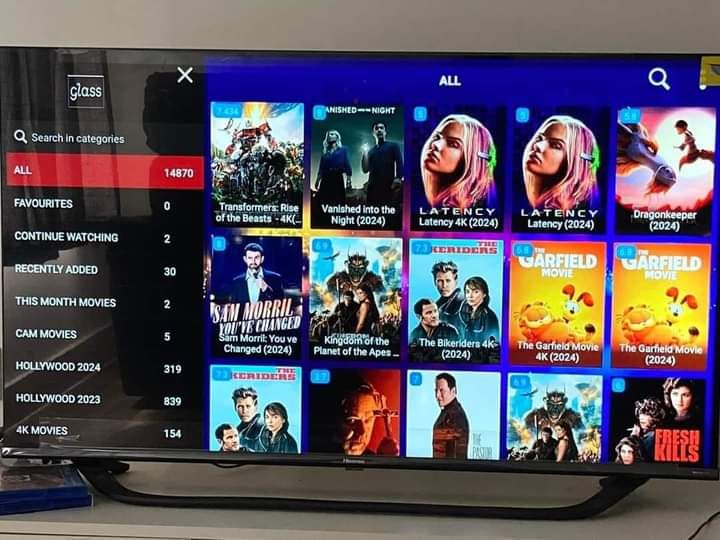
Claim Your Free MonthBrowse visual examples of film and series artwork. Titles and availability may change, so check the current catalog with support.


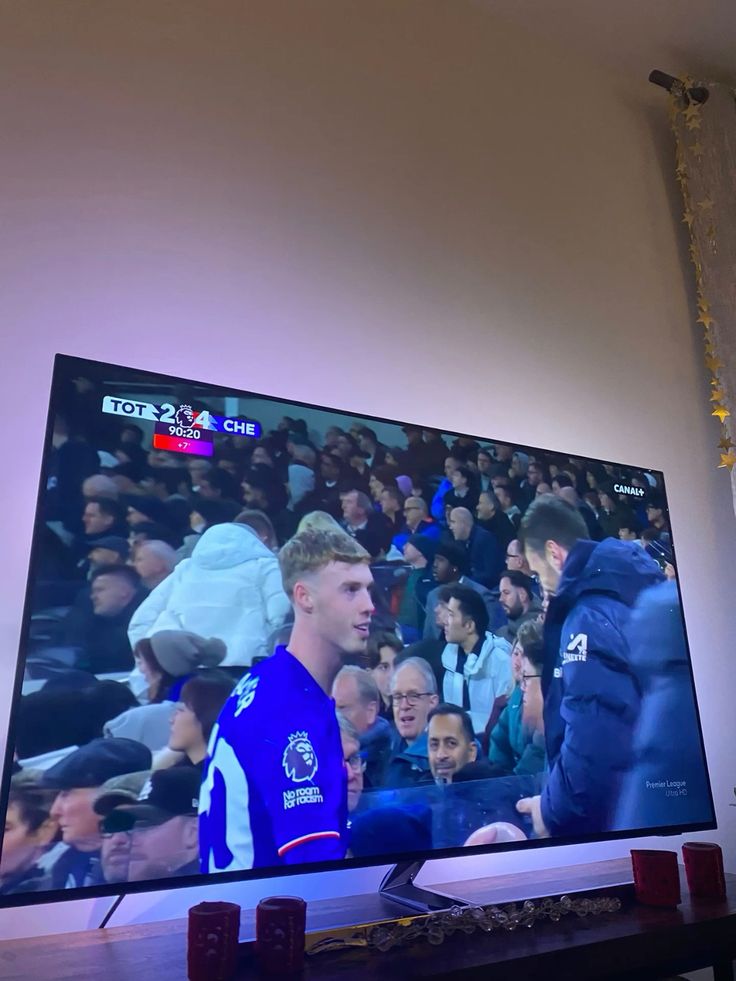
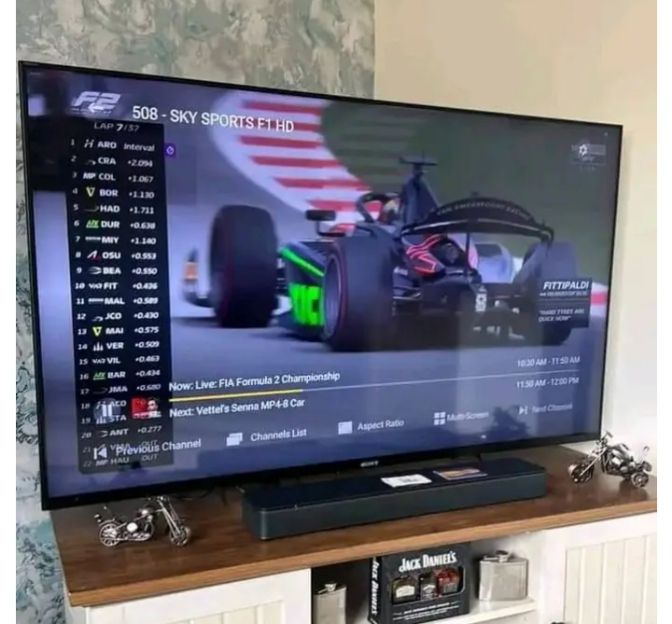
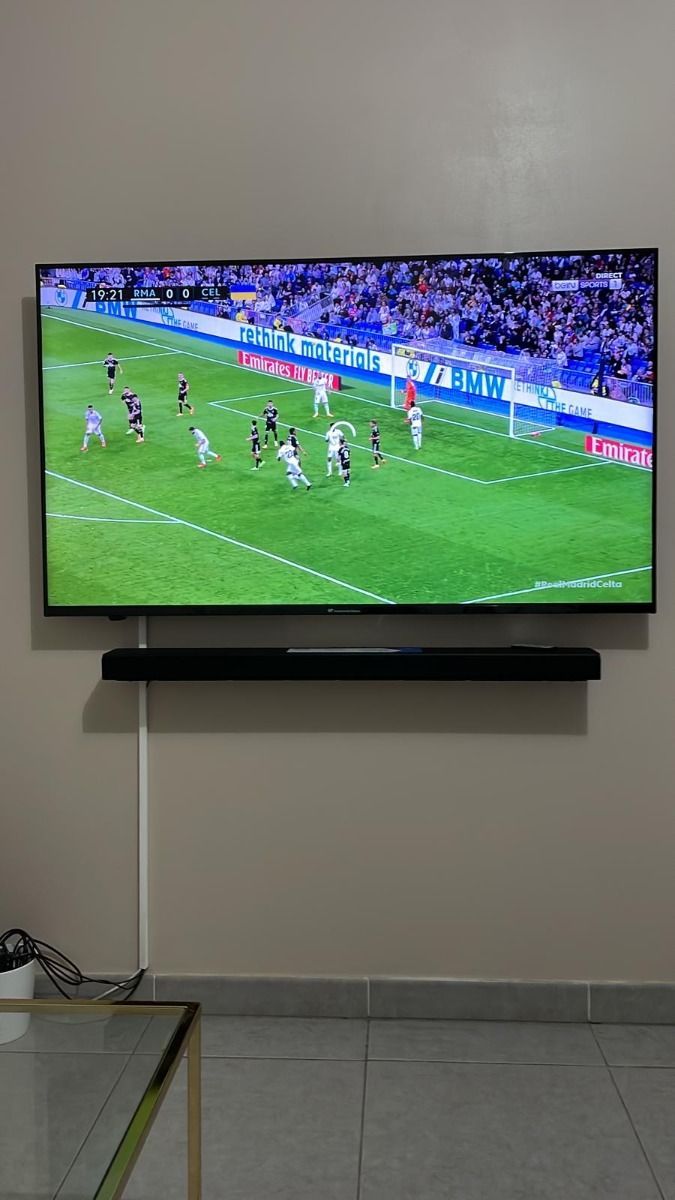
From weekly fixtures to major events, find the sports categories you care about and confirm the current channel lineup.



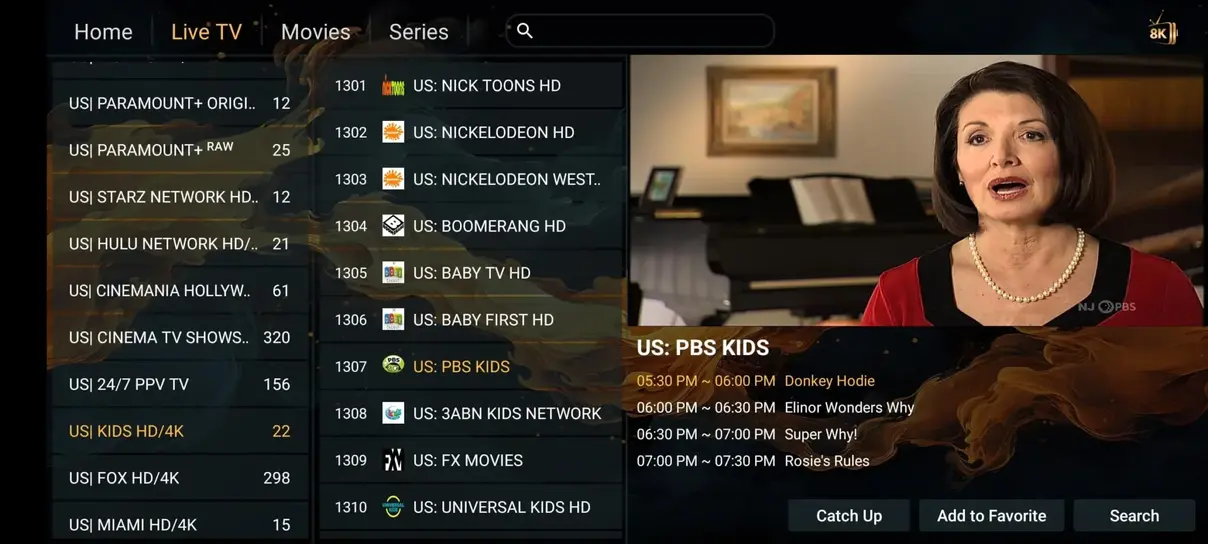
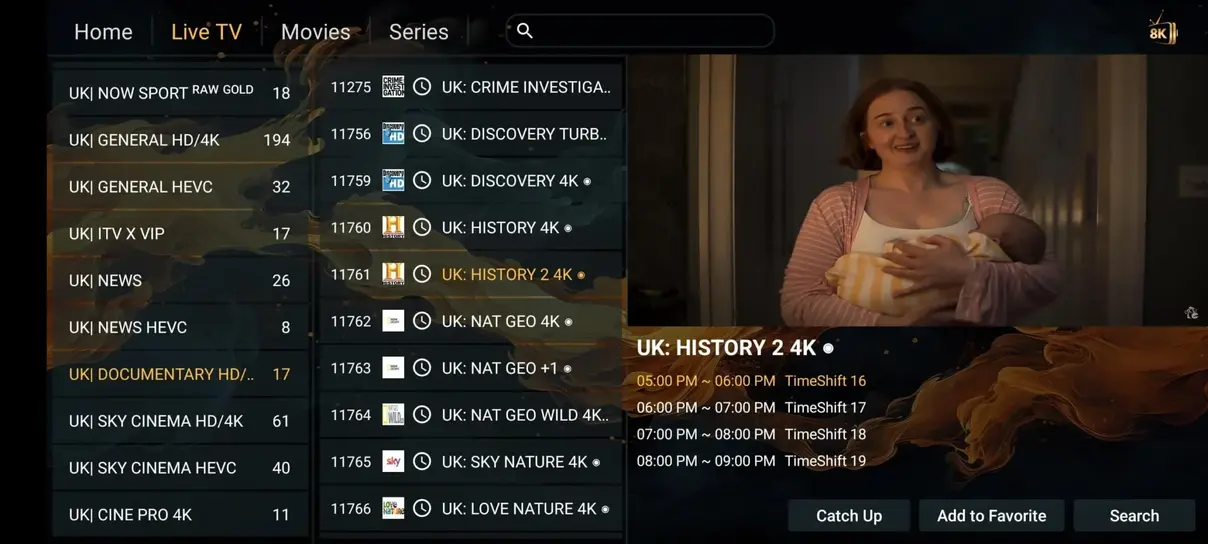
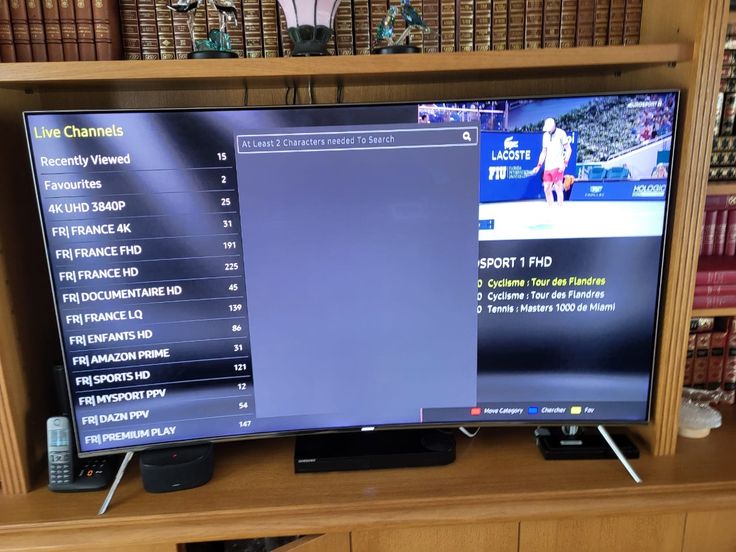
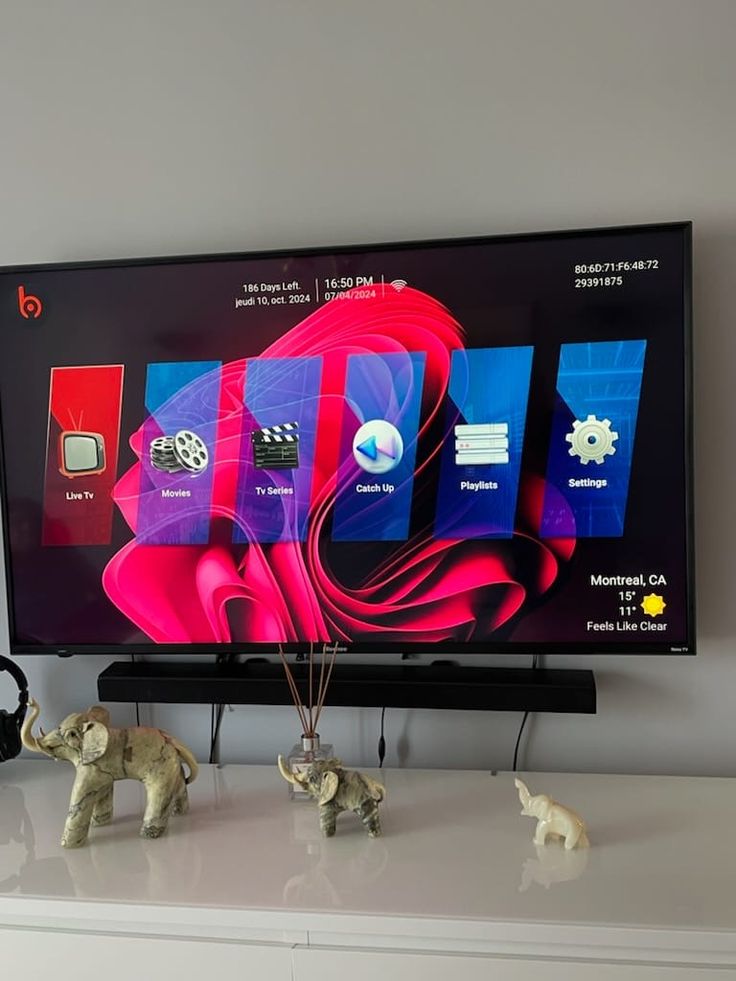
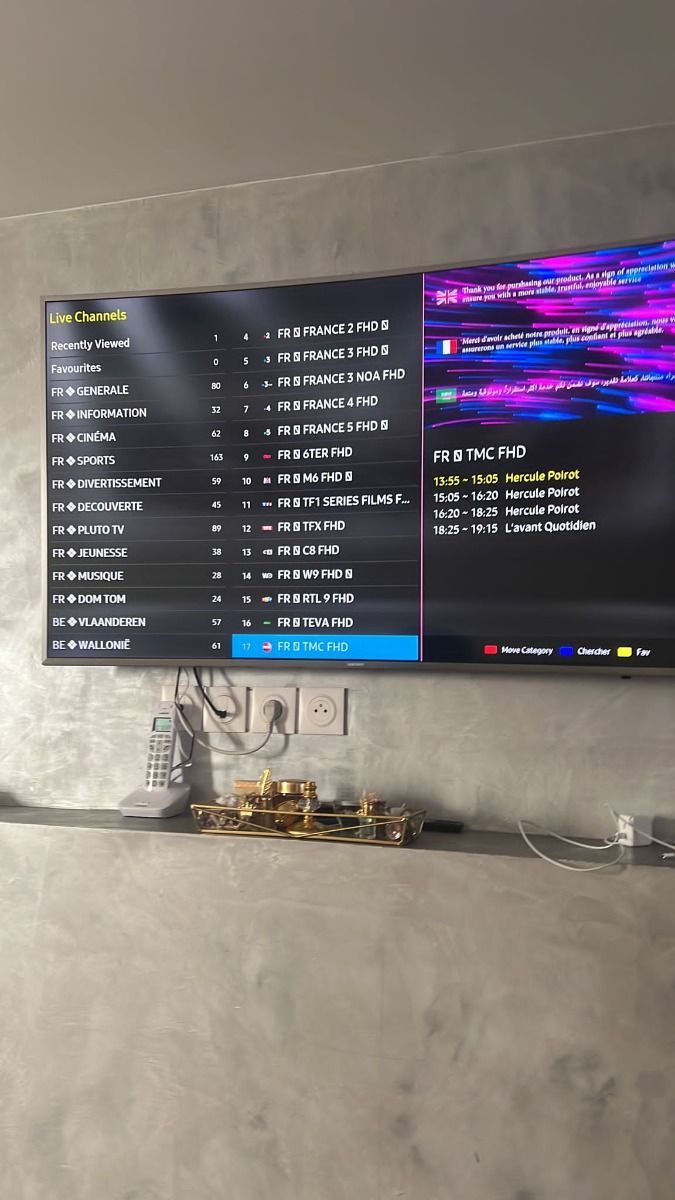
A snapshot of the interface and content browsing experience on compatible devices.


This general comparison shows why many viewers explore internet-based TV. Cable prices and packages vary by provider and market.
| Feature | CalmaHub | Cable or satellite |
|---|---|---|
| Annual cost | From $67 / year | Often $1,200+ / year |
| Live channels | Broad international catalog | Typically 200–500 |
| Movies and series | On-demand library | Often separate charges |
| Adult category | Included where available | Varies by provider |
| 24/7 channels | Ask for current lineup | Varies by provider |
| Sports | Ask for current lineup | Often separate package |
| Long-term contract | No annual cable contract | Often required |
| Watch away from home | On compatible devices | May be restricted |
Pick the number of simultaneous devices and your preferred currency. Totals are fixed; monthly and daily figures are comparisons based on 30-day months.
Choose the pace that works for you.
Enjoy 13 months of entertainment for the price of 12.
Choose the pace that works for you.
1 simultaneous device
Shown totals are fixed for 1–4 devices. Contact support for 5–6 device pricing. The 12-month plan includes one extra month; equivalent rates above use the 12-month paid term.
The exact screens vary by player. Your activation message provides the details that belong in the app.
Choose an IPTV player supported by your TV, Fire TV, phone, tablet, or computer. Check the device installation guide for specific choices.
After activation, use the M3U link or Xtream Codes details provided by support. Keep them private and refresh the playlist.
Browse live channels and on-demand titles. If something does not load, check your connection and contact support with the app name.
Set up the service on a compatible TV, streaming stick, phone, tablet, or computer.


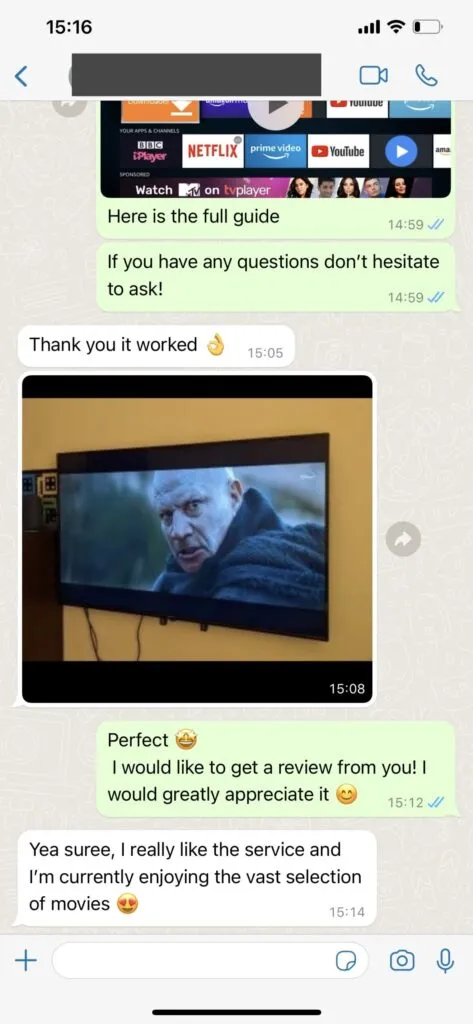
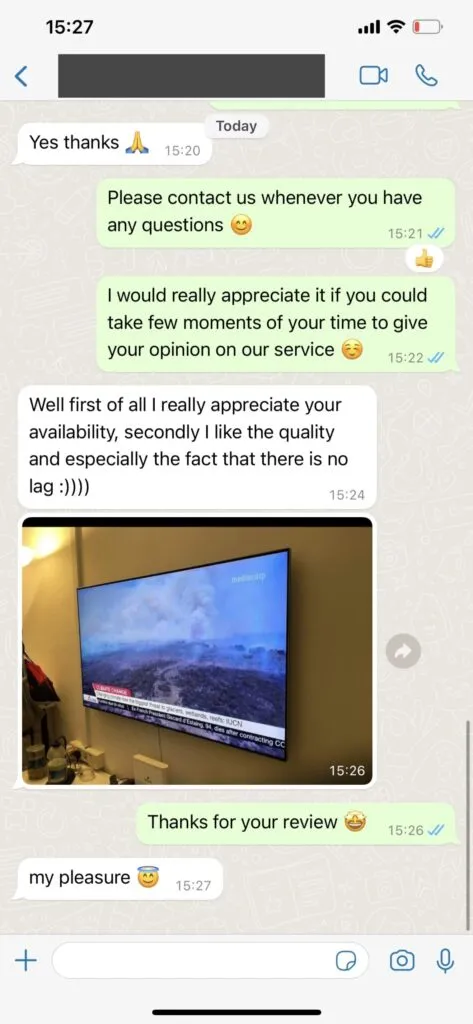
Browse seven supplied review images. Names, ratings, and verification status are omitted because supporting records were not provided.


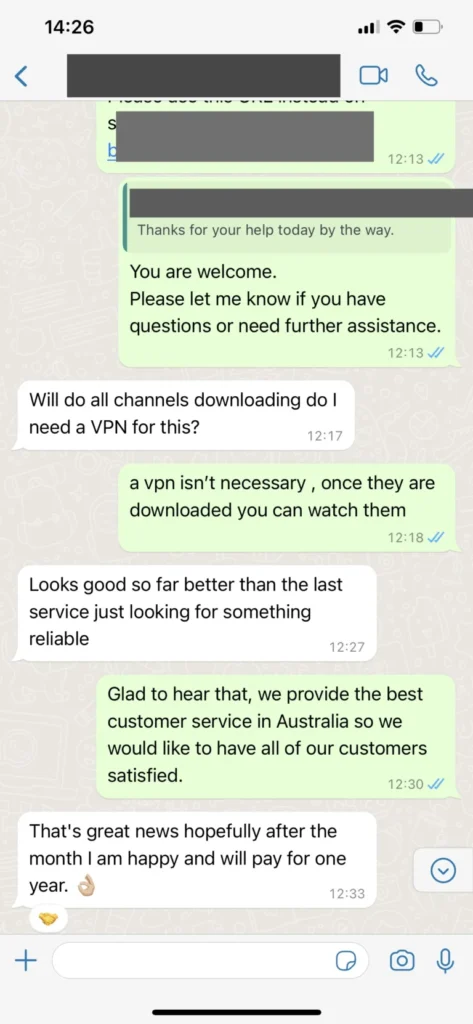
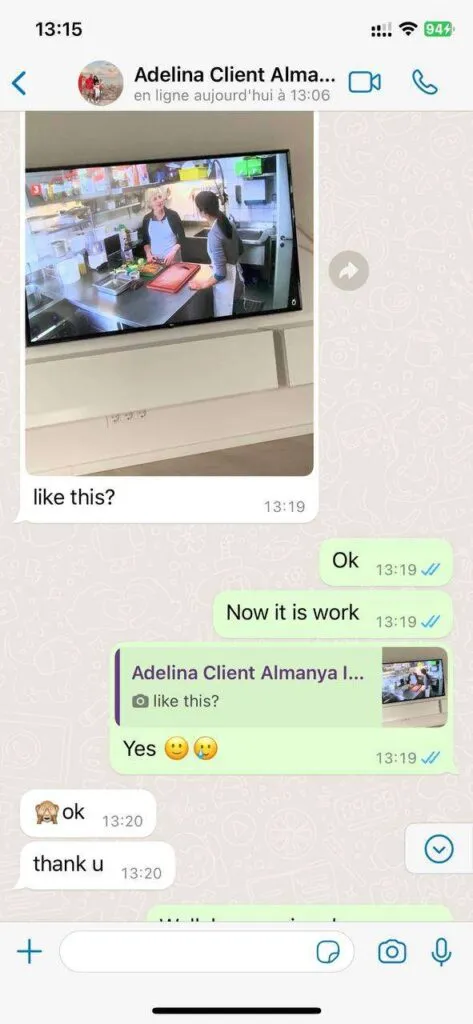
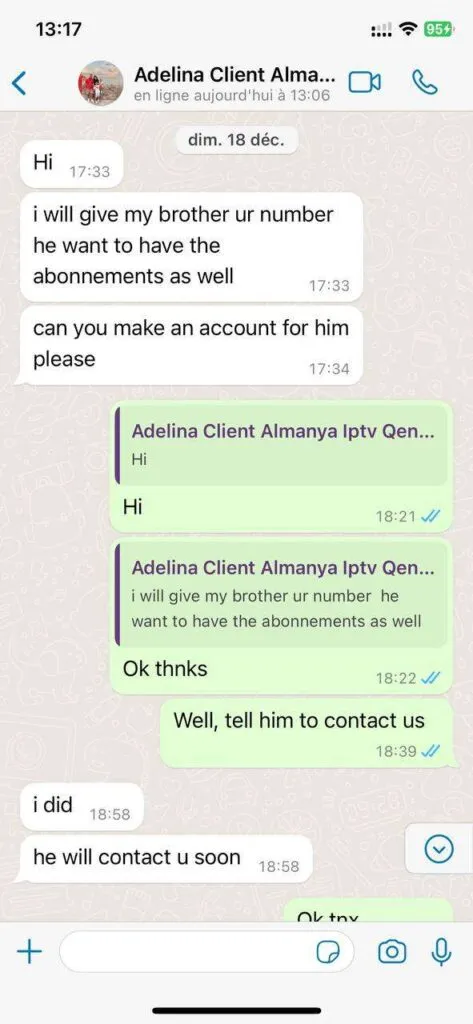
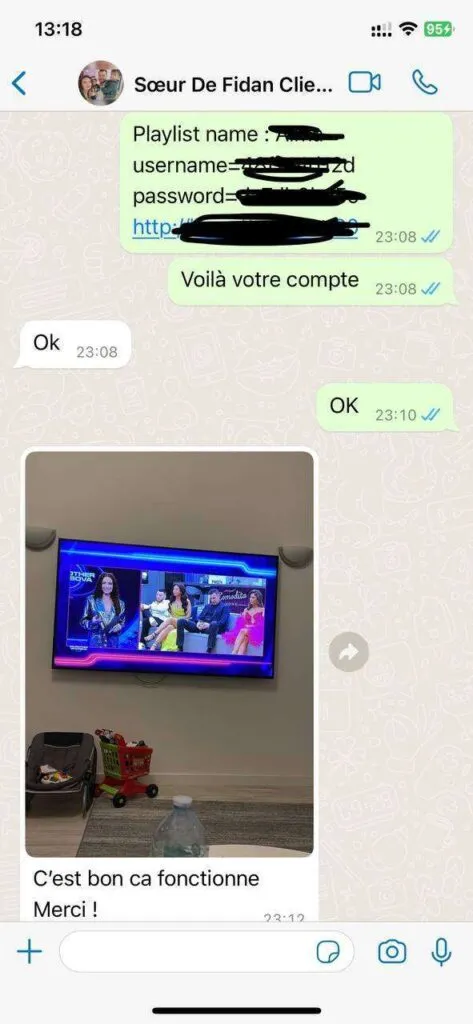
These supplied screenshots illustrate the support channel. Contact the team directly for current help and account details.


Browse the capabilities described for the service, and confirm specific channels or app support before ordering.
A broad international live TV catalog is described in the service brief; ask for the current lineup before you order.
Choose the number of simultaneous devices that fits your household, from one to six connections.
Explore films and series in the on-demand catalog; individual titles may change over time.
Picture quality depends on source availability, your device, app, and connection speed.
Streaming infrastructure is designed to reduce interruptions, although network conditions still matter.
Catch-up and program-guide features may be available on supported channels and players.
Browse sports categories and confirm specific events or rights with support before purchase.
The lineup and library can be refreshed without replacing your player setup.
Practical details to help you choose, set up, and use your subscription.
Support is available for 16 hours each day through WhatsApp. The team can help with setup, account questions, and playback issues. Assistance may be available in English, German, French, and Spanish; ask which language is available when you contact us.
Start a WhatsApp conversation and tell the team which duration and device count you want. The team will confirm the current purchase steps and provide a payment link. Review the details before paying; the site never asks for payment information in a popup.
Compatible options include many Samsung, LG, and Sony smart TVs; Amazon Fire TV devices; Android TV boxes; phones, tablets, and computers. You can use a compatible IPTV player, including HOT Player where available. App availability varies by device and region.
The service brief describes international live channels, on-demand movies and series, sports, and 24/7 channels. Specific channel lineups and title availability change, so ask support to confirm the content you care about before ordering.
Plan for at least 10 Mbps for HD viewing and about 25 Mbps for a 4K stream. Other people or devices using the same connection can raise the speed you need. A wired Ethernet connection is often the most stable choice for a TV.
A VPN is not required for the basic setup. Some viewers use one for privacy. A VPN does not make an unlicensed stream lawful, and it may reduce speed; check the rules and content rights that apply where you watch.
You can generally sign in where you have a suitable internet connection and a compatible player. Content access and performance can vary by location, local rules, and network conditions. Check with support before relying on access during a trip.