

STREAM YOUR WAY · FLEXIBLE PLANS · HELP WHEN YOU NEED IT
Menu
Customer feedback

CalmaHub IPTV reviews and feedback

View the seven review images supplied for CalmaHub IPTV and learn how to evaluate feedback before selecting a subscription.

Get CalmaHub

Browse the supplied CalmaHub review images

We do not attach names, cities, verified badges, or star averages to these images without supporting customer records.

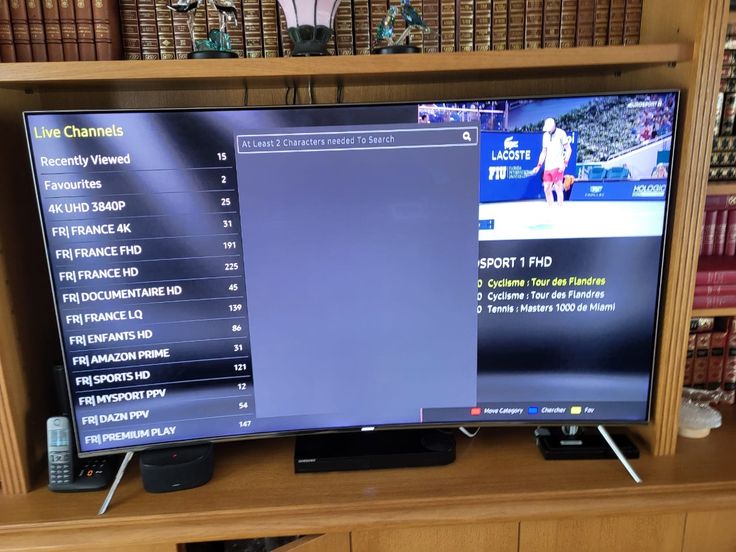
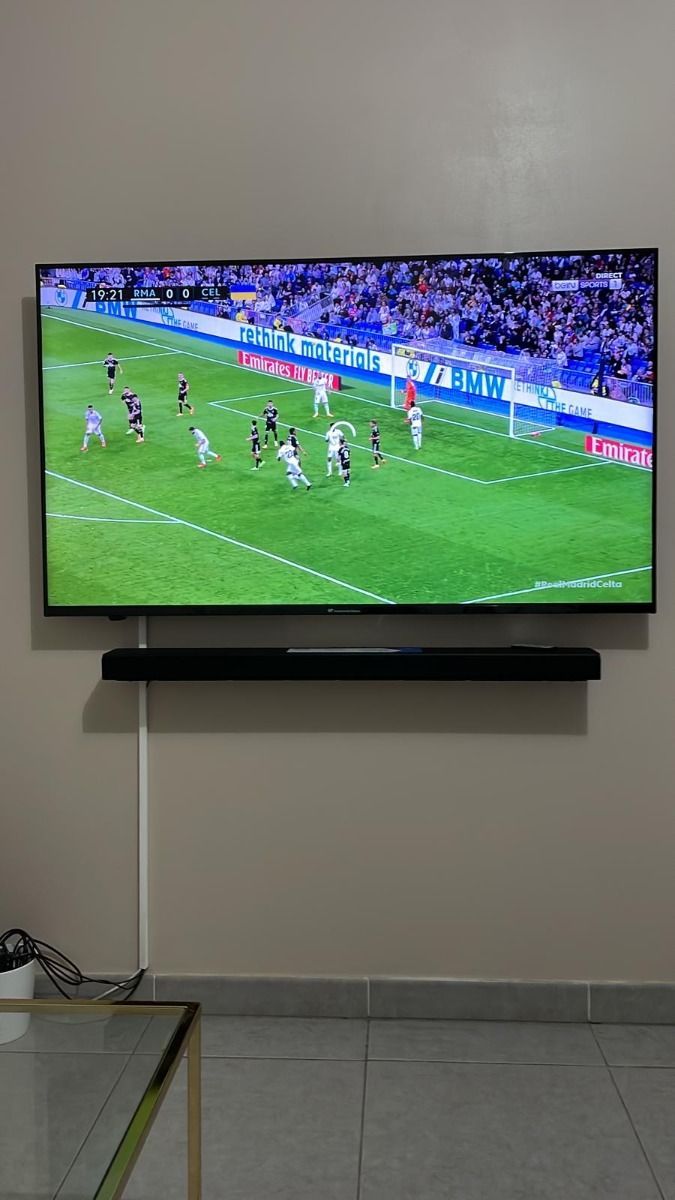
Supplied CalmaHub IPTV review image 1
Supplied feedback image 1; identity and purchase status have not been independently verified.
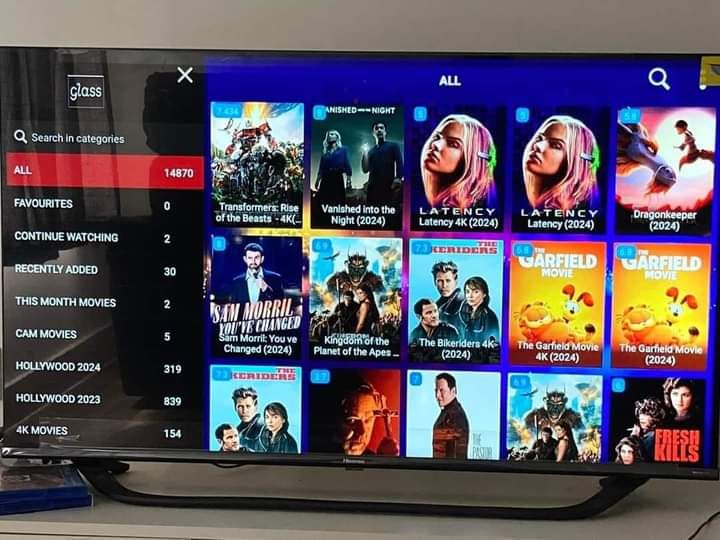
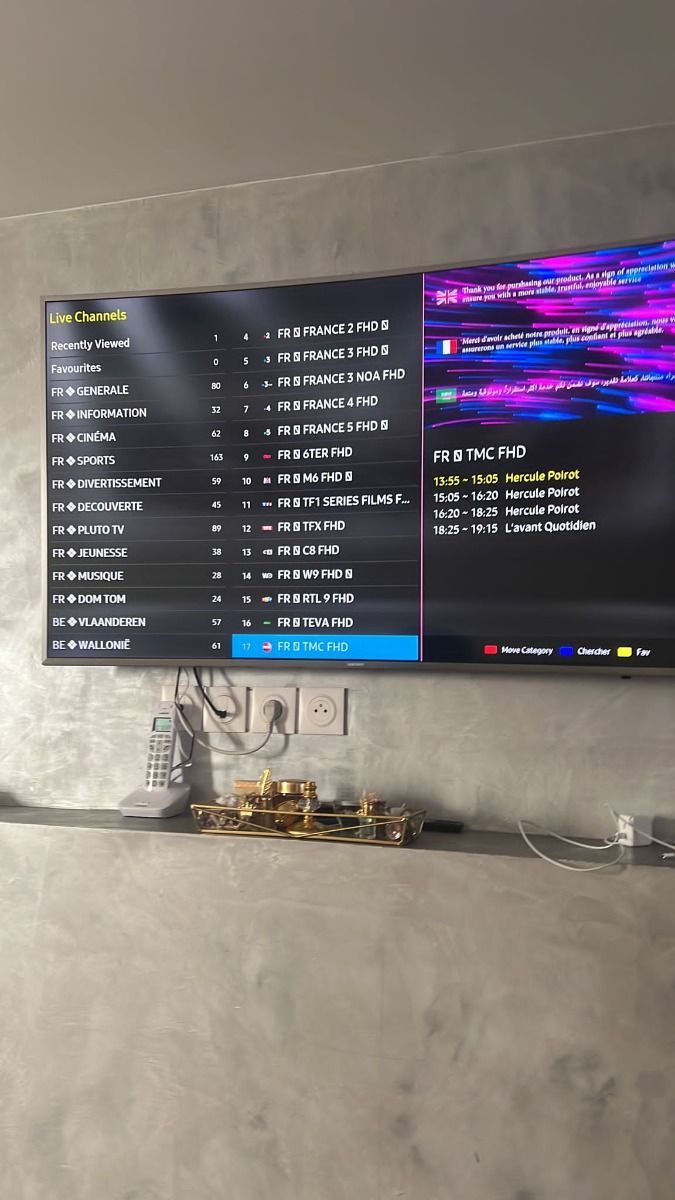
Supplied CalmaHub IPTV review image 2
Supplied feedback image 2; identity and purchase status have not been independently verified.
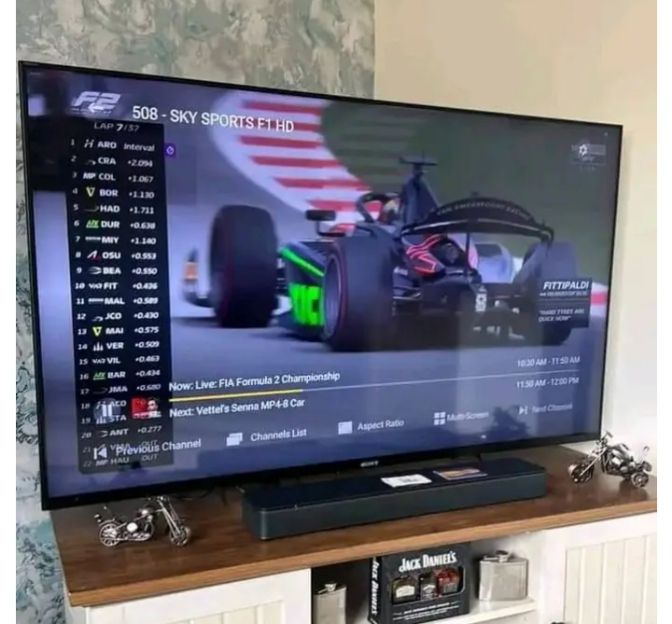
Supplied CalmaHub IPTV review image 3
Supplied feedback image 3; identity and purchase status have not been independently verified.
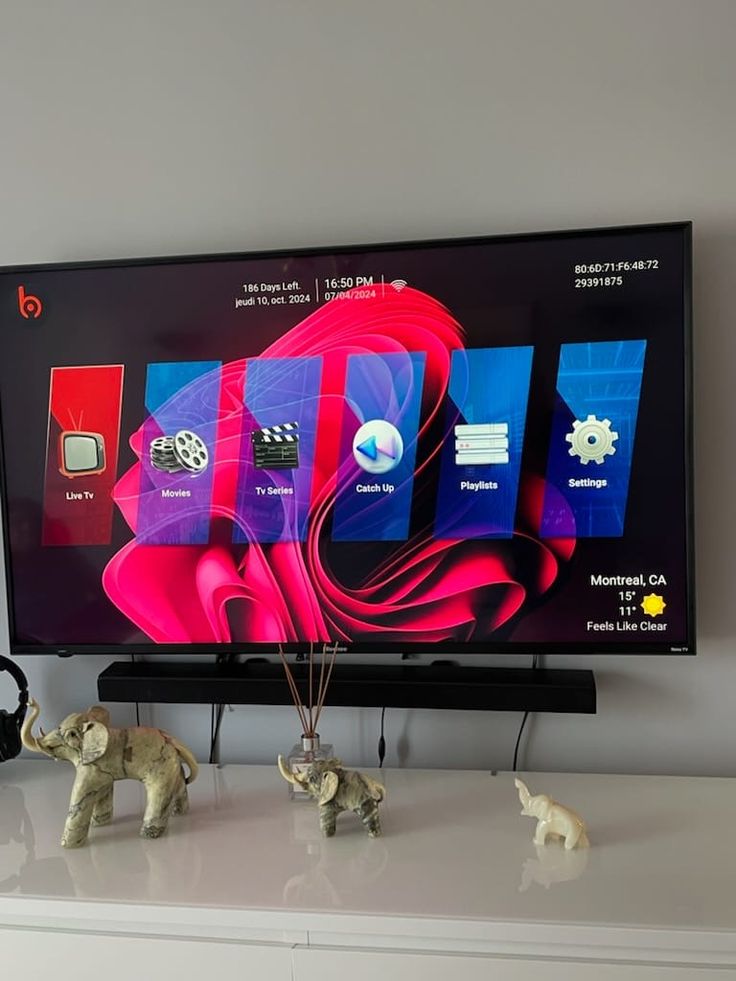
Supplied CalmaHub IPTV review image 4
Supplied feedback image 4; identity and purchase status have not been independently verified.
Supplied CalmaHub IPTV review image 5
Supplied feedback image 5; identity and purchase status have not been independently verified.
Supplied CalmaHub IPTV review image 6
Supplied feedback image 6; identity and purchase status have not been independently verified.
Supplied CalmaHub IPTV review image 7
Supplied feedback image 7; identity and purchase status have not been independently verified.

How to read an IPTV review

Start with the device, player, and internet connection a reviewer used. An experience on a recent streaming stick may differ from one on an older TV app. Look for details about setup, support, channel categories, and whether a playback issue was eventually resolved.

Review images can be useful context, but they are not a substitute for checking a current channel lineup or plan price. Ask support to confirm any specific event, app, or device before ordering. If you have feedback about an existing subscription, contact the team with the device and app details so they can investigate.

Compare subscription plans
Questions & answers

Questions before you choose CalmaHub IPTV

Practical details to help you choose, set up, and use your subscription.

What kind of customer support can I expect?

Support is available for 16 hours each day through WhatsApp. The team can help with setup, account questions, and playback issues. Assistance may be available in English, German, French, and Spanish; ask which language is available when you contact us.

How do support and payment work for a subscription?

Start a WhatsApp conversation and tell the team which duration and device count you want. The team will confirm the current purchase steps and provide a payment link. Review the details before paying; the site never asks for payment information in a popup.

What devices can I use with CalmaHub?

Compatible options include many Samsung, LG, and Sony smart TVs; Amazon Fire TV devices; Android TV boxes; phones, tablets, and computers. You can use a compatible IPTV player, including HOT Player where available. App availability varies by device and region.

See every FAQ

Need a hand?Ask about plans or setup on WhatsApp
✆